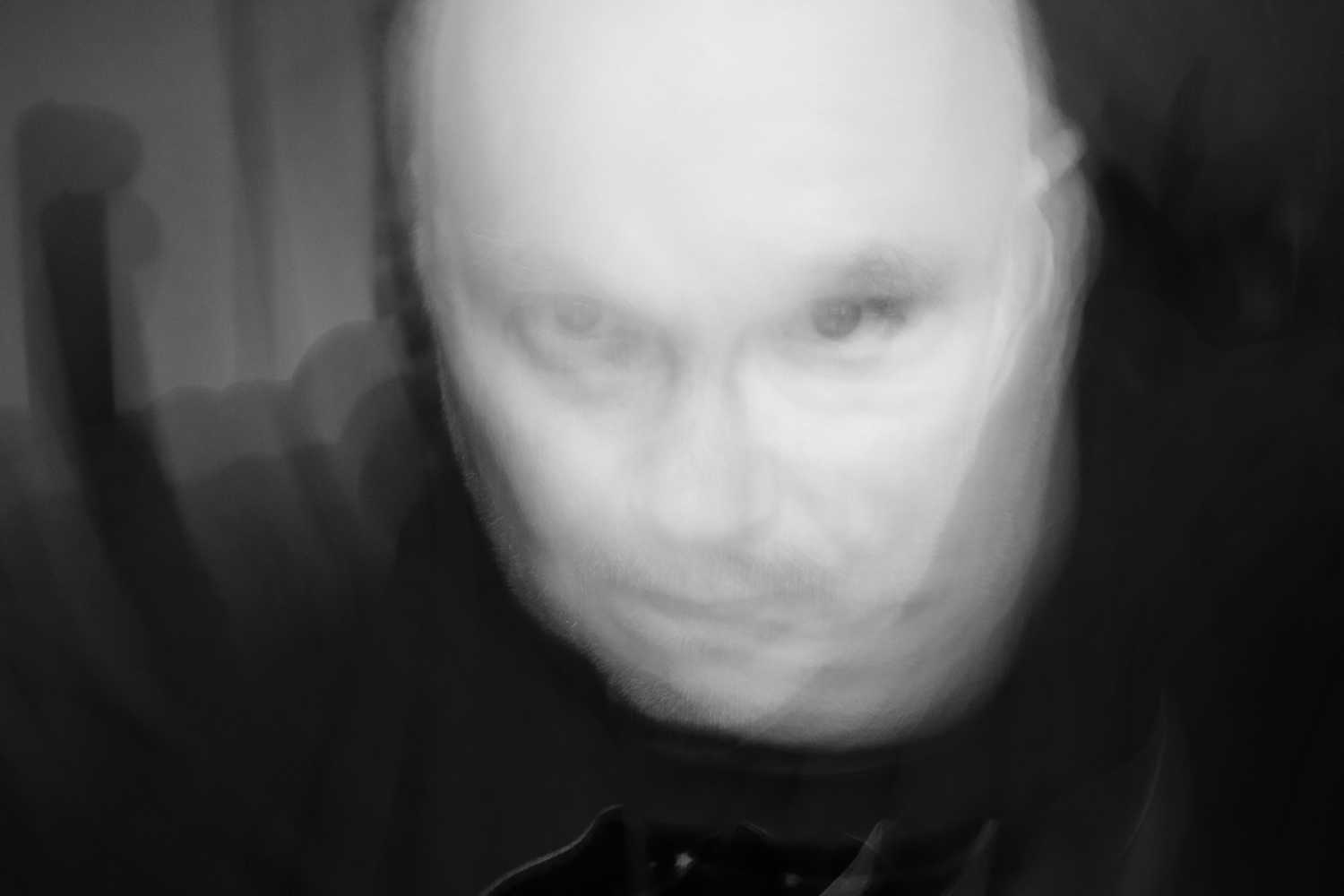
I take a lot of pictures, a lot ! With my Fuji Cameras (X-T4 and X-100VI and sometimes analog pictures on film), which i usually take home and post process in Lightroom. I don’t post most of my pictures on this blog cause i’m a lazy blogger, and don’t always know what to write about the pictures. I like the pictures, but i’m not that good at writing about them. “The Story” behind the pictures.
Usually i poston Facebook or Instagram, where the “Algorithm” handles the image compression for me, as i usually don’t bother to optimize it for it, and my JPEGs are usually +10 Megabyte, which is not very good for a website, and the defaults WordPress settings also does not allow you to upload those(I’m self hosting, so could change it myself… but…. 🙂 )
But a while back, while i was doing a python course, i did this small python script. https://merloch.dk/2023/10/28/my-first-public-github-script-is-posted-for-optimizing-images-on-this-blog/ and yes it was one of my first self developed apps(So be gentle! :)), i will also be updating that, to make a better CLI version.
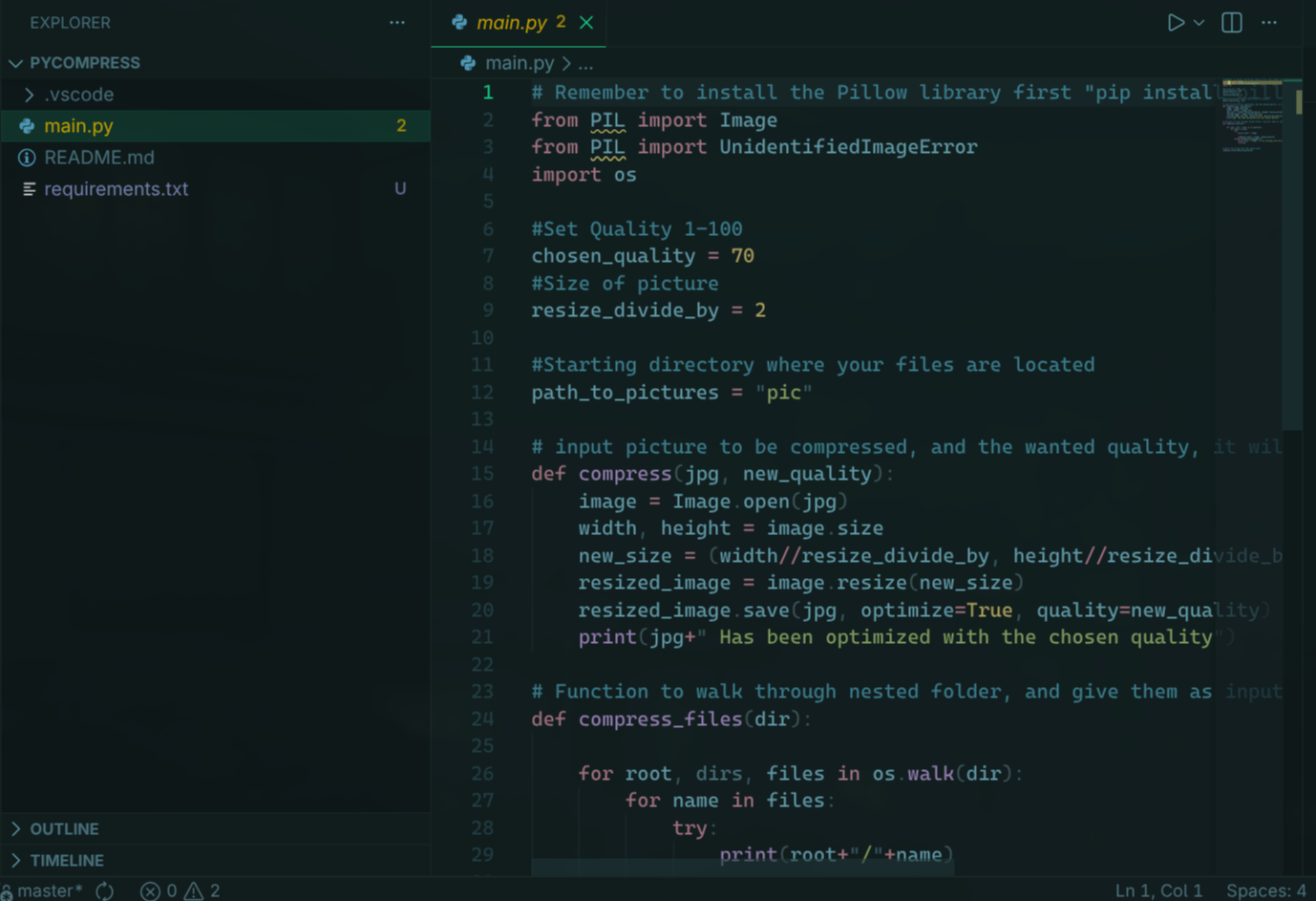
That could run through all the images in you media folder (Or any folder) and resize all of them, so they would be smaller, and the site load faster. Worked fine, but was kinda a one off operation, Not suitable for everyday use, for batch conversion of X amount of pictures.
Yesterday, i wanted to upload a lot of pictures to a new blogpost, but they were in different folders, taken on different days, they were all +5 megabyte. There are several tools probably out there, but i wanted to make one myself with a little help from som AI tools 🙂 My initial requirements were:
- It needed to be a container app, so i could run it on Linux, Mac and Windows(Using WSL), Using Docker or Docker Compose.
- It should still be Python, cause that is the language i know best, and i still want to review what the AI is creating.
- I wanted a web based front end, so it was easy to reach from my different PC’s in my house.
- I wanted it so be safe to use on a local network (DO NOT USE ON THE Internet, it’s not build for that security wise).
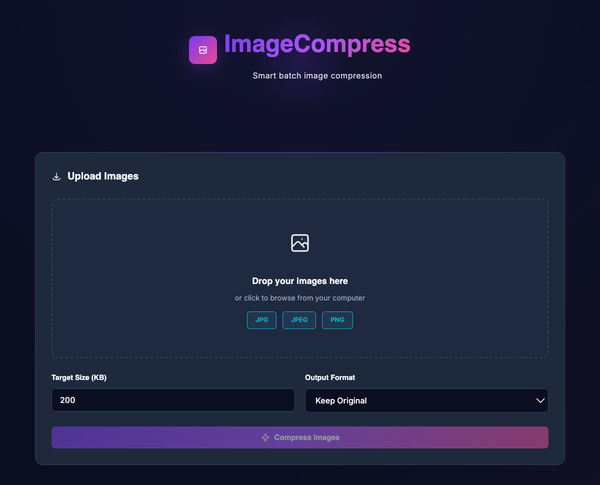
- I wanted it to be themed modern and simple
- I wanted documentation in markdown in a readme.md file.
- I wanted it to support resizing of JPG and PNG(And Convert between these), cause these are the outputs i use for my blog, and what Lightroom outputs after my photo edits.
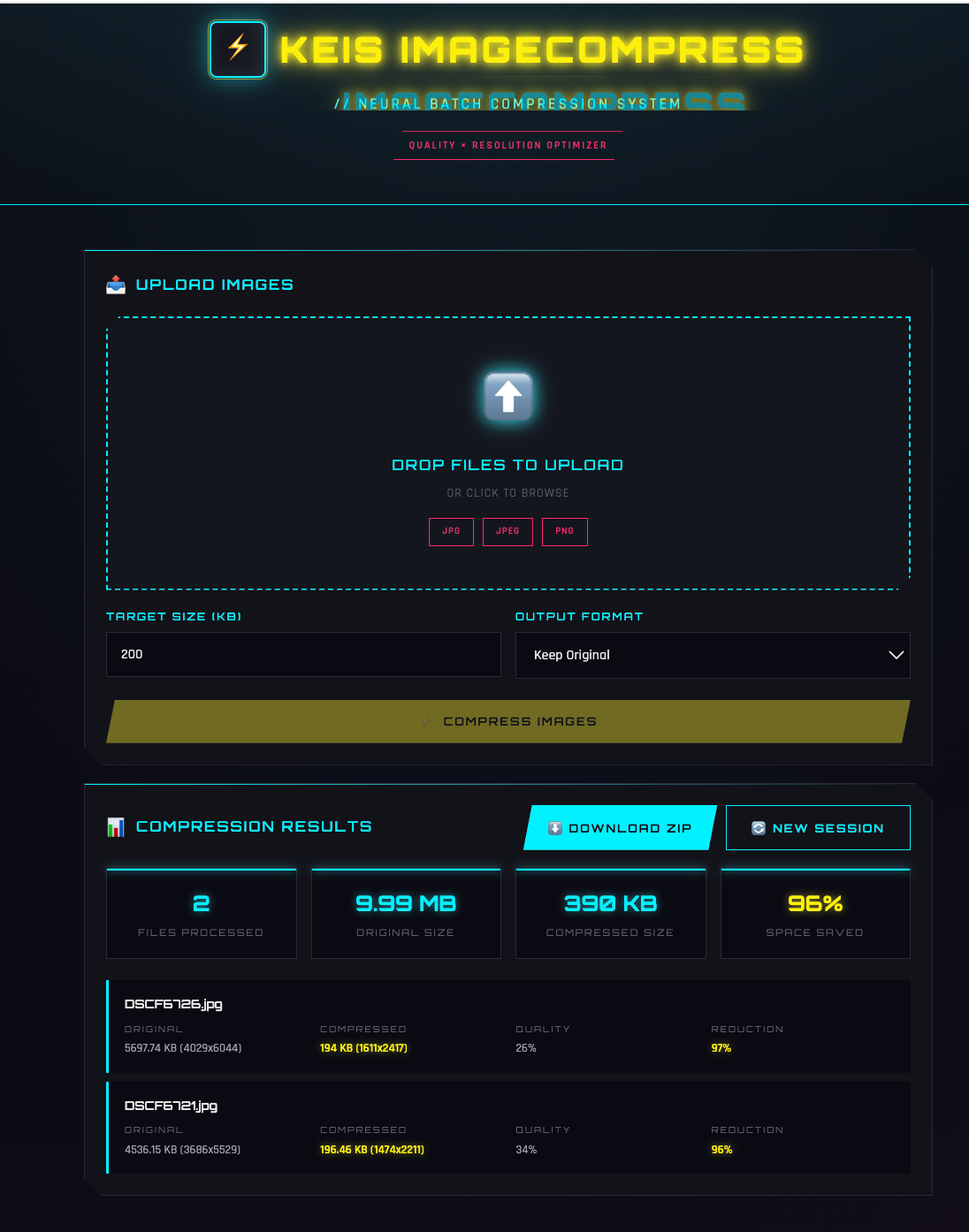
- I wanted a balance between image quality and resolution, to hit a specific target of XX kb. So currently i have a floor of 25% on quality, after it hits that, it will start scaling down the resolution
- I wanted all pictures to be downloadable in one zip file after conversion.
- I wanted all the uploaded pictures to be deleted from the docker host after an hour, so only using tmp storage
- If i uploaded the wrong pictures, i wanted to be able to delete all and start a new session.
So i fired up VS Code, with Github CoPilot, using Claude Opus 4.5, and got to working. Using the plan mode with the above requirements, and asked to make a plan for implementation, and then it was back and forth for a couple of hours, and i made my own “Keis Image Compress” in bright Neon Colors. Feel free to try it out. You can find it on my Github here. https://github.com/anderskeis/pycompressweb comes with absolutely no guarantees, but it’s pretty nice for a photographer running a blog 🙂
Personally i run it on a central Linux box, hosting all my docker containers, and its reachable from everywhere on my local network.